

Azure Well Architected Framework - Reliability Pillar
In cloud architecture, Reliability is vital– it’s about ensuring your application stays available and recovers gracefully from failures. Azure’s reliability guidance in the Well-Architected Framework helps you design for uptime, resiliency, and quick recovery. This article explores five key principles of building reliable Azure workloads and practical steps to achieve them.
Reliability in cloud architecture encompasses several critical aspects, including redundancy, fault tolerance, disaster recovery, and operational monitoring. Redundancy ensures that there are multiple instances of critical components, so if one fails, another can take over seamlessly. Fault tolerance involves designing systems that can continue to function even when parts of them fail, by using techniques such as load balancing and auto-scaling. Disaster recovery focuses on the ability to restore services quickly after a major outage, by having backups and recovery plans in place. Operational monitoring involves continuously tracking the performance and health of the application, using tools like Azure Monitor and Application Insights, to detect and address issues before they impact users. By integrating these aspects, you can create a robust and reliable cloud application that meets your business needs and delivers a seamless user experience.
1. Design for Business Requirements
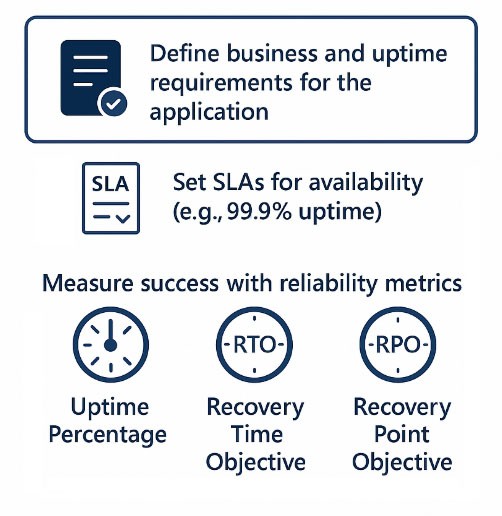
Start by defining clear business and uptime requirements for your application. Understand how crucial the application is to the business and how much downtime is acceptable. Work with stakeholders to set these requirements and document them thoroughly. Determine the acceptable downtime and set Service Level Agreements (SLAs) for availability. SLAs are formal agreements that outline the expected level of service, including uptime percentage, maintenance windows, and response times for issues. For example, if a web application needs to be up 99.9% of the time, design the architecture to meet that target. This involves planning the infrastructure and redundancy measures to ensure the application can meet its uptime goals. Measure success with reliability metrics like uptime percentage, Recovery Time Objective (RTO), and Recovery Point Objective (RPO), and make sure they match business needs. Uptime percentage is the total time the application is operational, RTO is the maximum acceptable downtime after a failure, and RPO is the maximum acceptable data loss. These metrics provide a clear way to evaluate the application's performance and reliability. This clarity helps guide all other design decisions, making sure every part of the application's architecture and deployment strategy aligns with the business and uptime requirements.
2. Build Resiliency into the Architecture
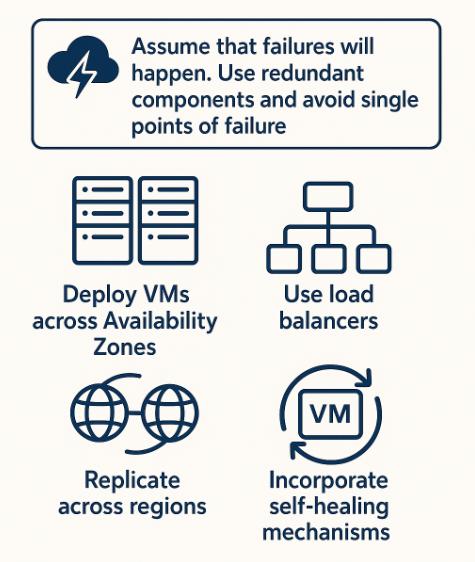
Assume that failures will happen. Azure provides services and features to add resiliency at every layer. Use redundant components and avoid single points of failure. For example, deploy VMs in an availability set or across Availability Zones to survive hardware or datacenter failures. This means placing your virtual machines (VMs) in different Availability Zones within the same region to ensure your application remains available even if one zone goes down. Additionally, use load balancers to distribute traffic across multiple VMs, so if one VM fails, the others can continue to handle the load.
Design for failure recovery by distributing workloads across regions when necessary (active-active or active-passive deployments) so that if one region goes down, another can take over. In an active-active deployment, multiple regions actively handle traffic, providing high availability and improved performance by serving users from the nearest region. In an active-passive deployment, the primary region handles all traffic, while the secondary region remains on standby, ready to take over if the primary region fails. Use services like Azure Front Door or Traffic Manager to automatically switch to healthy endpoints. Azure Front Door ensures fast delivery of your global applications with high availability and low latency. Traffic Manager is a DNS-based load balancer that distributes traffic optimally to services across global Azure regions.
For data storage, enable geo-replication for critical databases. Geo-replication means copying your data across multiple geographic locations to ensure data availability and durability in case of regional outages. For example, Azure SQL Database offers active geo-replication, allowing you to create readable secondary databases in different regions. This provides high availability and allows for load balancing of read workloads.
Incorporate redundancy and self-healing patterns: use auto-recovery for VMs and design stateless application tiers that can restart seamlessly on another node. Stateless applications store their state externally (e.g., in a database or distributed cache), allowing them to restart on any node without losing data or session information. Implement self-healing mechanisms like automatic VM restarts and health checks to ensure your application can recover quickly from failures. Additionally, use monitoring and alerting tools to detect and respond to issues promptly, minimizing downtime and maintaining high availability.
3. Design for Recovery (Disaster Recovery and Backup)
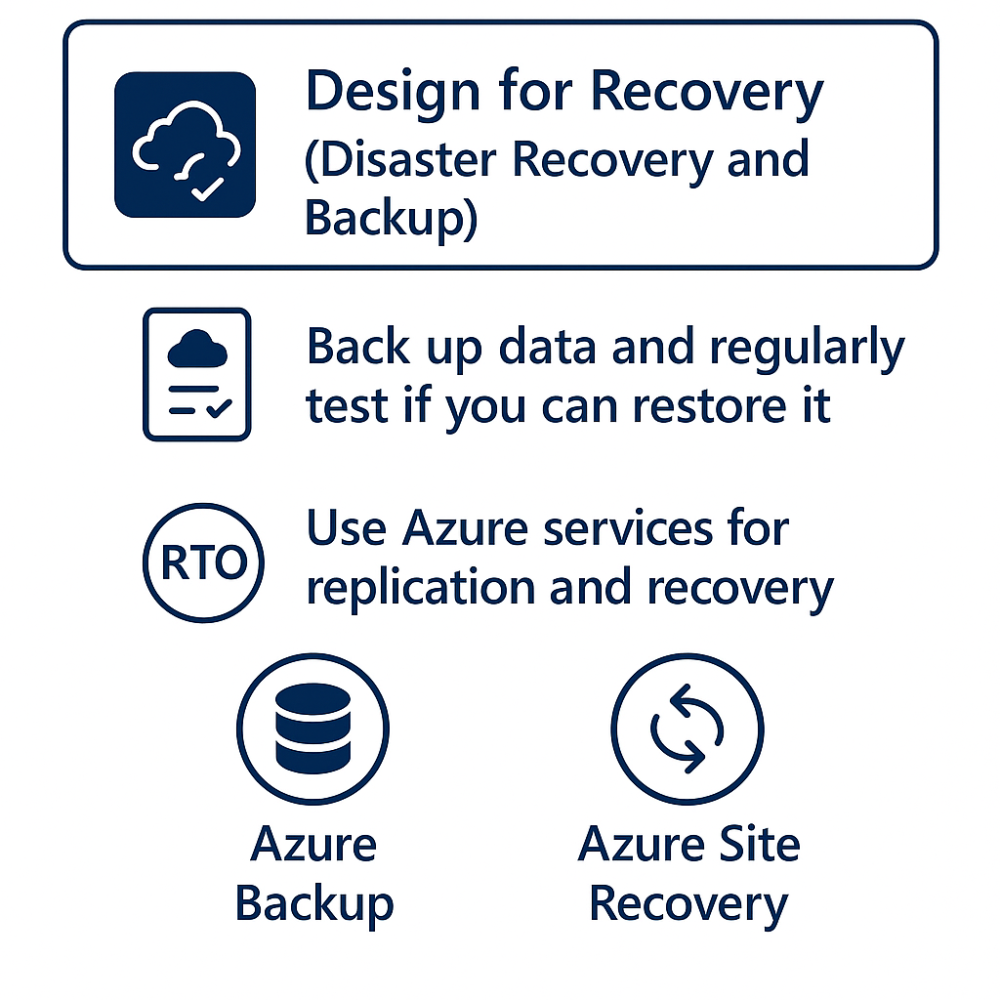
Even with a strong architecture, it's important to plan for disaster recovery. Back up important data and regularly test if you can restore it. This means not only making backups of your VM snapshots and databases but also ensuring these backups can be quickly and accurately restored when needed. Use Azure Backup for VM snapshots and Azure SQL point-in-time restore for databases. Define a Recovery Time Objective (RTO) – how fast you need to restore service – and design your solution (with a backup site or secondary region) to meet it. RTO measures the maximum time your service can be down after a disaster. To achieve a low RTO, use Azure Site Recovery for VMs or active geo-replication for databases to continuously replicate data to another region. This keeps your data up-to-date in a different location, reduces the risk of data loss, and helps with quick recovery. Regularly perform disaster recovery drills to ensure you can meet your recovery targets. These drills should simulate different disaster scenarios to test your recovery plans and find any gaps or weaknesses. A well-tested recovery plan makes sure you're ready for major outages. Also, keep reviewing and updating your disaster recovery plan to adapt to changes in your infrastructure, business needs, and new potential threats. Make sure all stakeholders know the recovery procedures and their roles during a disaster. This thorough approach to disaster recovery will strengthen your application and reduce the impact of unexpected disruptions.
4. Design for Operations and Monitoring
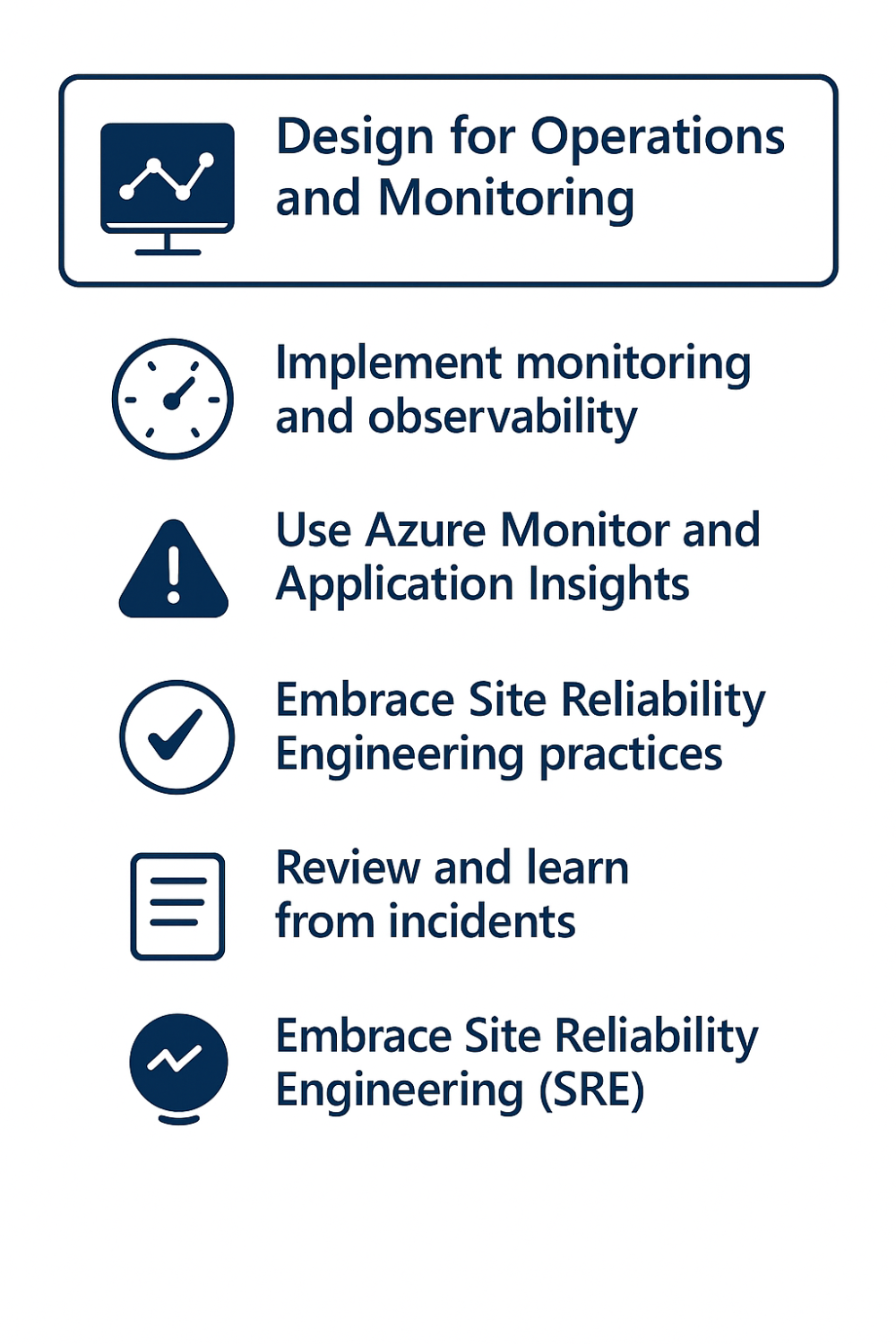
Reliability isn’t just built at design-time – it’s maintained through operations. Implement holistic monitoring and observability so you can detect issues early. Use Azure Monitor and Application Insights to track uptime, performance metrics, and error rates. Azure Monitor collects data from various resources and provides a complete view of your application’s health. Application Insights gives detailed information about how your application is performing and how users are interacting with it, helping you find and fix problems quickly. Set up alerts for critical conditions (like an instance failure or queue backlog) so operations can respond before they escalate. Azure Monitor lets you create custom alerts based on specific criteria, ensuring you’re notified about potential issues in time. Embrace Site Reliability Engineering (SRE) practices: for example, define error budgets (acceptable downtime) and use them to make decisions about releases. Error budgets help balance innovation and reliability by quantifying acceptable risk and guiding choices about deploying new features or updates. Automate repetitive operational tasks with Azure Automation or Functions to reduce human error. Azure Automation allows you to create scripts for automating frequent tasks, while Azure Functions let you run code in response to events without manual intervention. Regularly review incident post-mortems and learn from them to improve your design (continuous improvement for reliability). Conducting thorough post-mortems helps identify the root causes of incidents, uncovering areas for improvement and preventing future issues. This ongoing process of reflection and enhancement ensures the reliability of your application continually evolves to meet changing demands and challenges.
5. Keep it Simple
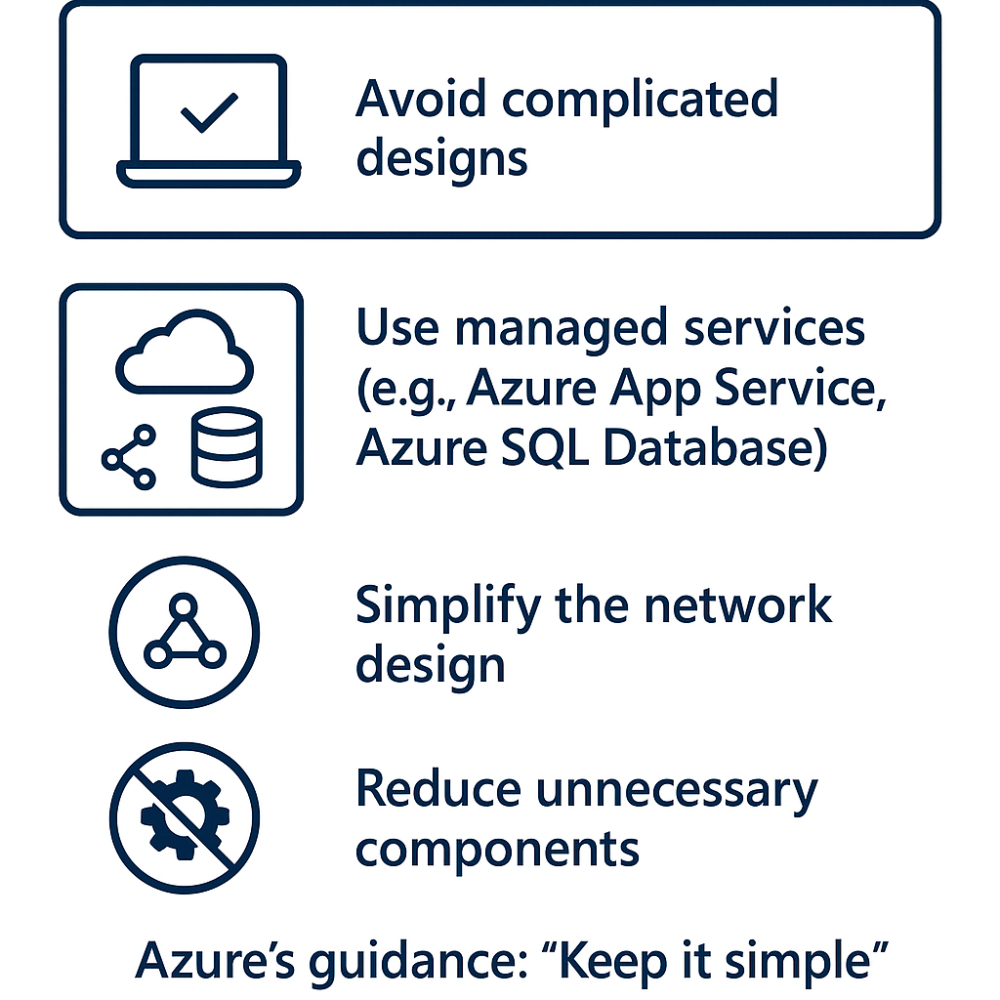
A key principle often overlooked: simplicity. Avoid making your solution too complicated – complex designs can introduce new problems and are harder to manage. Keep your solution as simple as possible while still meeting reliability goals. Complicated designs require more maintenance and have a higher risk of failure, as each extra part can break and makes troubleshooting harder.
For example, use managed services when you can (like Azure App Service or Azure SQL Database) so that Azure takes care of reliability tasks like patching and handling failures. Managed services are built to be reliable and include features for scaling, patching, and fixing issues, which reduces the workload on your team. This lets you focus on developing and improving your application instead of managing infrastructure.
Simplify your network setup to reduce points of failure. A simpler network design lowers the risk of network problems and makes it easier to manage traffic within your application. Fewer dependencies mean fewer things to monitor, maintain, and secure, which can improve overall reliability and performance.
Every extra part is another potential point of failure, so make sure each one adds clear value. Evaluate whether each part of your architecture is necessary and beneficial. If it doesn’t provide significant value or redundancy, consider removing it. This helps create a lean architecture that’s easier to manage and less likely to fail.
As Azure’s guidance says, “Keep it simple” – a simpler design is often more robust. A straightforward design not only improves reliability but also makes it easier to implement changes, scale the application, and ensure security. By following the principle of simplicity, you can create a more resilient, manageable, and efficient cloud architecture that meets your business needs and reliability goals.
The Wrap Up
Building reliable Azure applications requires a mindset that anticipates failures and mitigates them by design. By applying these principles – aligning to business needs, adding resiliency, preparing for disaster recovery, investing in operations, and keeping designs streamlined – you can achieve excellent reliability. Remember that reliability is an ongoing journey: test your failover processes, conduct chaos engineering experiments (e.g., deliberately shutting down instances to test self-healing), and continuously refine your approach. With Azure’s built-in features (like Availability Zones, Azure Advisor reliability recommendations, and a plethora of backup and monitoring tools) and a solid architectural strategy, you can meet even the toughest uptime requirements and deliver a seamless experience to your users.